Block out your day
Drop colour-coded blocks onto your timeline in seconds. Plan with time, not just a list of tasks.
Plan your day one block at a time
24 Block is a planner-first app that turns your day into clear, colourful time blocks — so you can see your time, not just your to-dos.
Available now on iOS
How it works
Three simple steps turn an unstructured day into a clear, realistic plan.
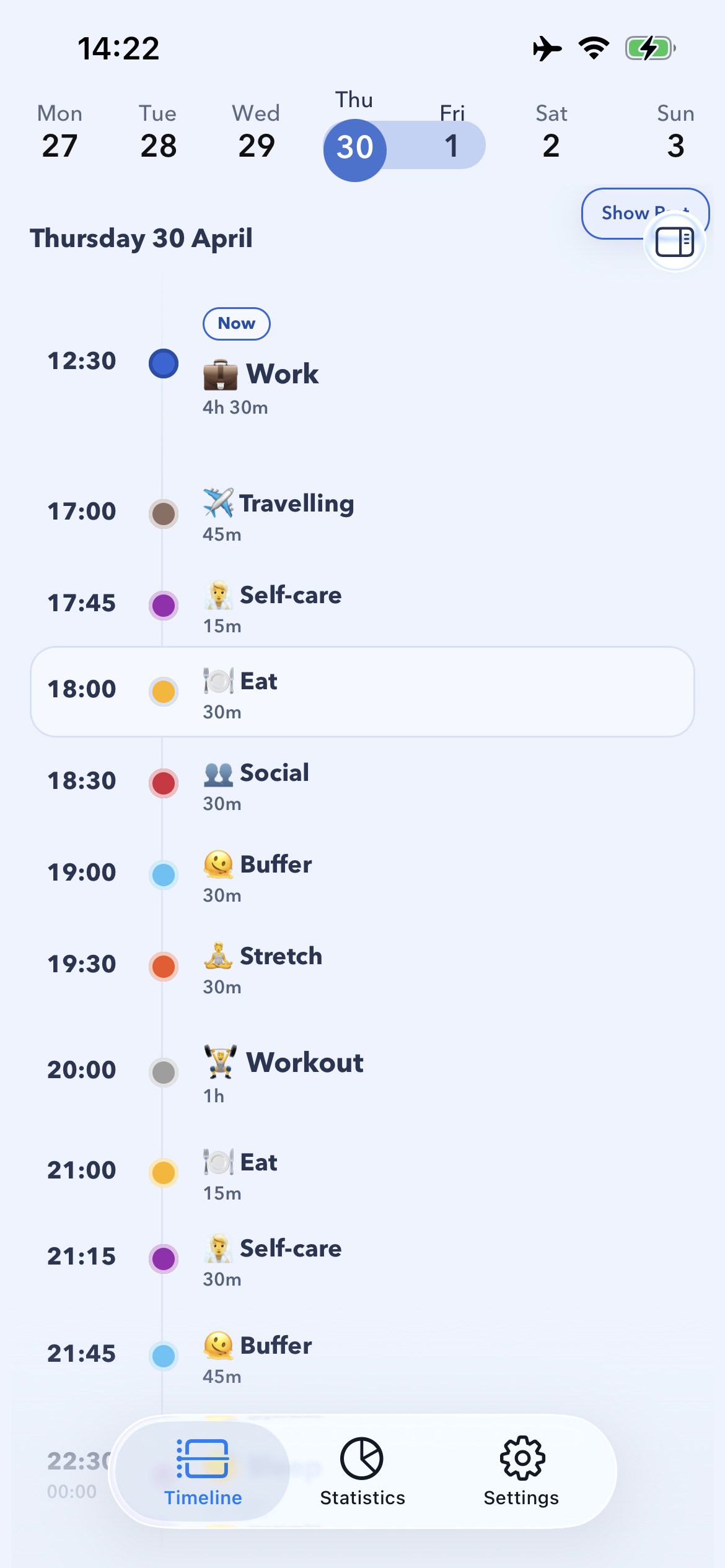
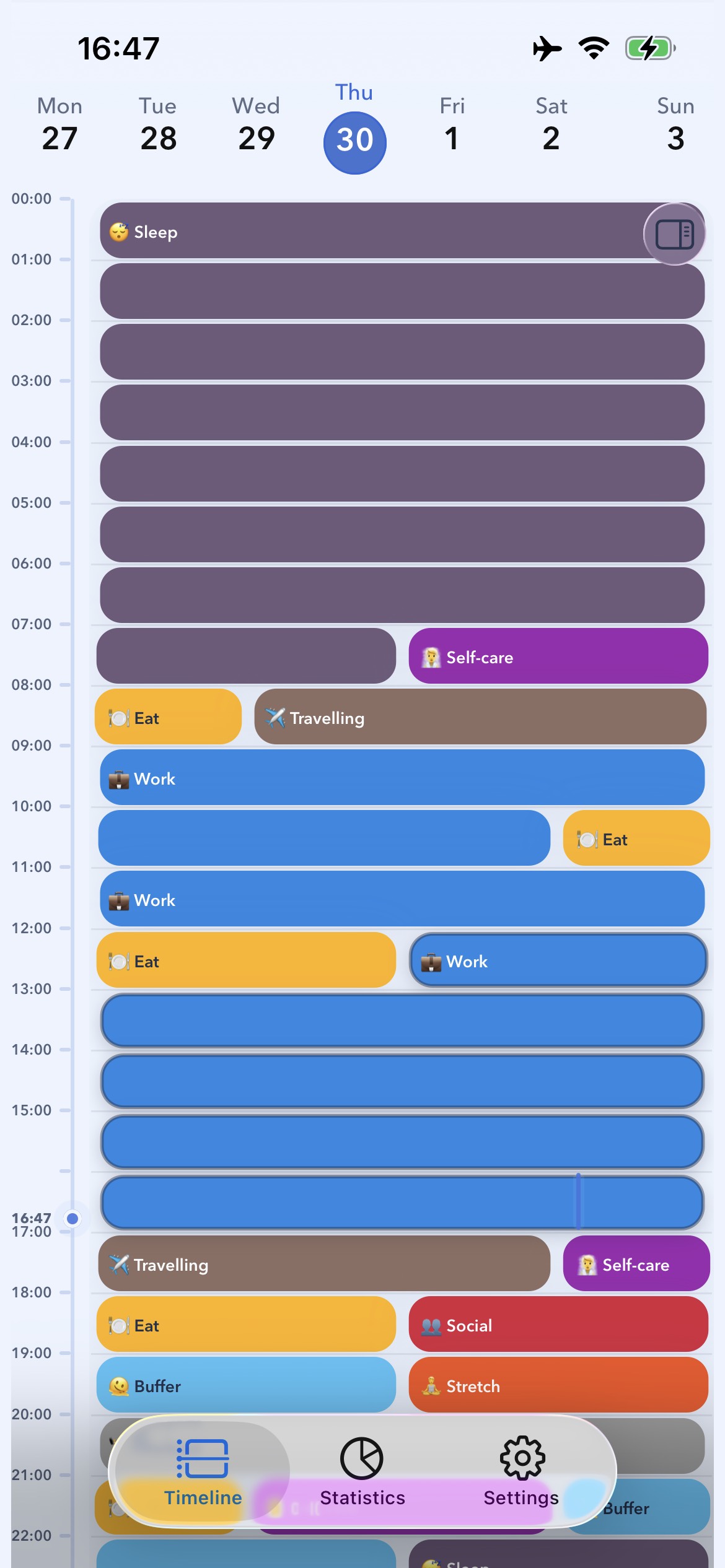
Drop colour-coded blocks onto your timeline in seconds. Plan with time, not just a list of tasks.
Move, resize, and reshuffle blocks as the day shifts. Recurring routines and notes keep busy days easy.
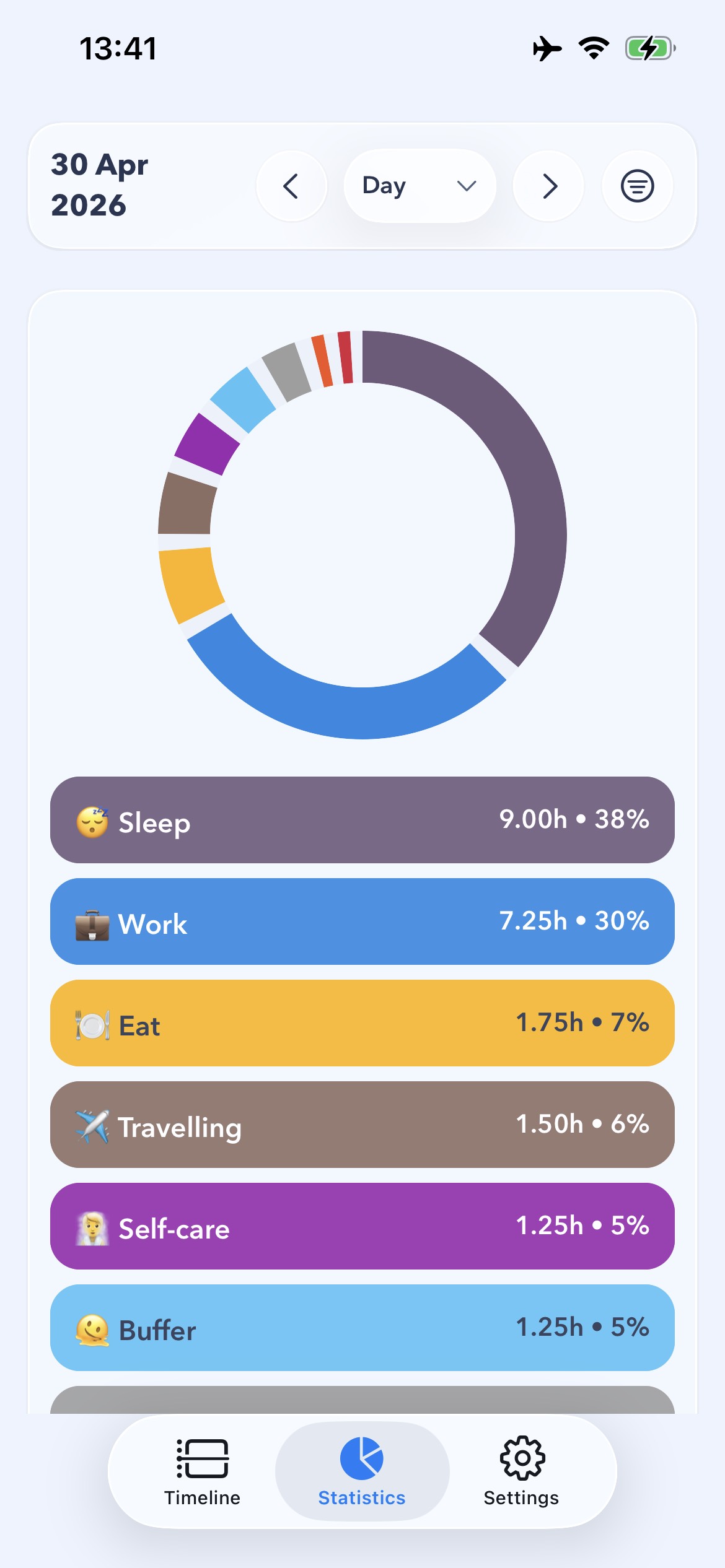
Review day, week, month, and year stats to understand how your time is really being spent.
Features
Planner-first simplicity, flexible customisation, and a cleaner way to organise your time.
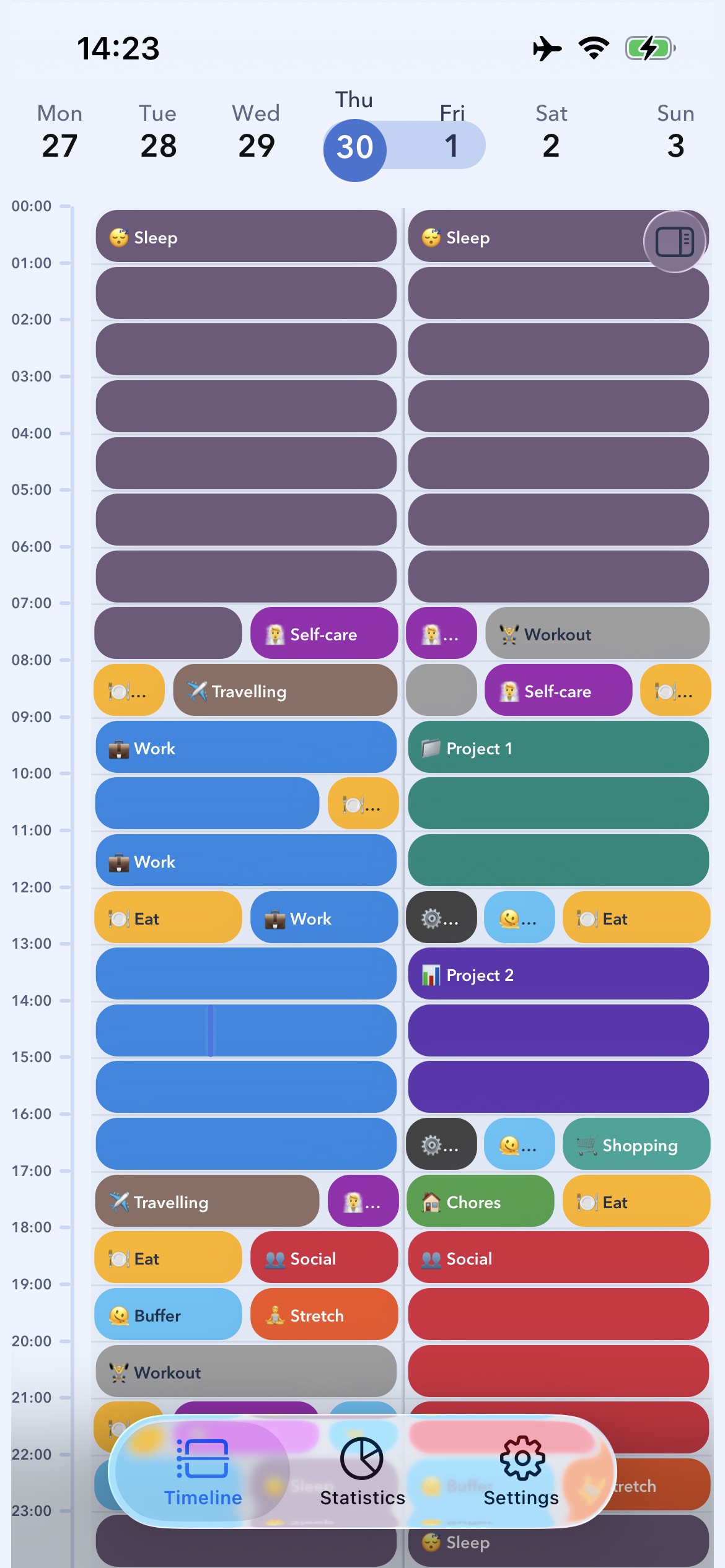
Planner views
Switch between 12-hour, single day, two day, and schedule views, and scroll continuously through dates as you plan.
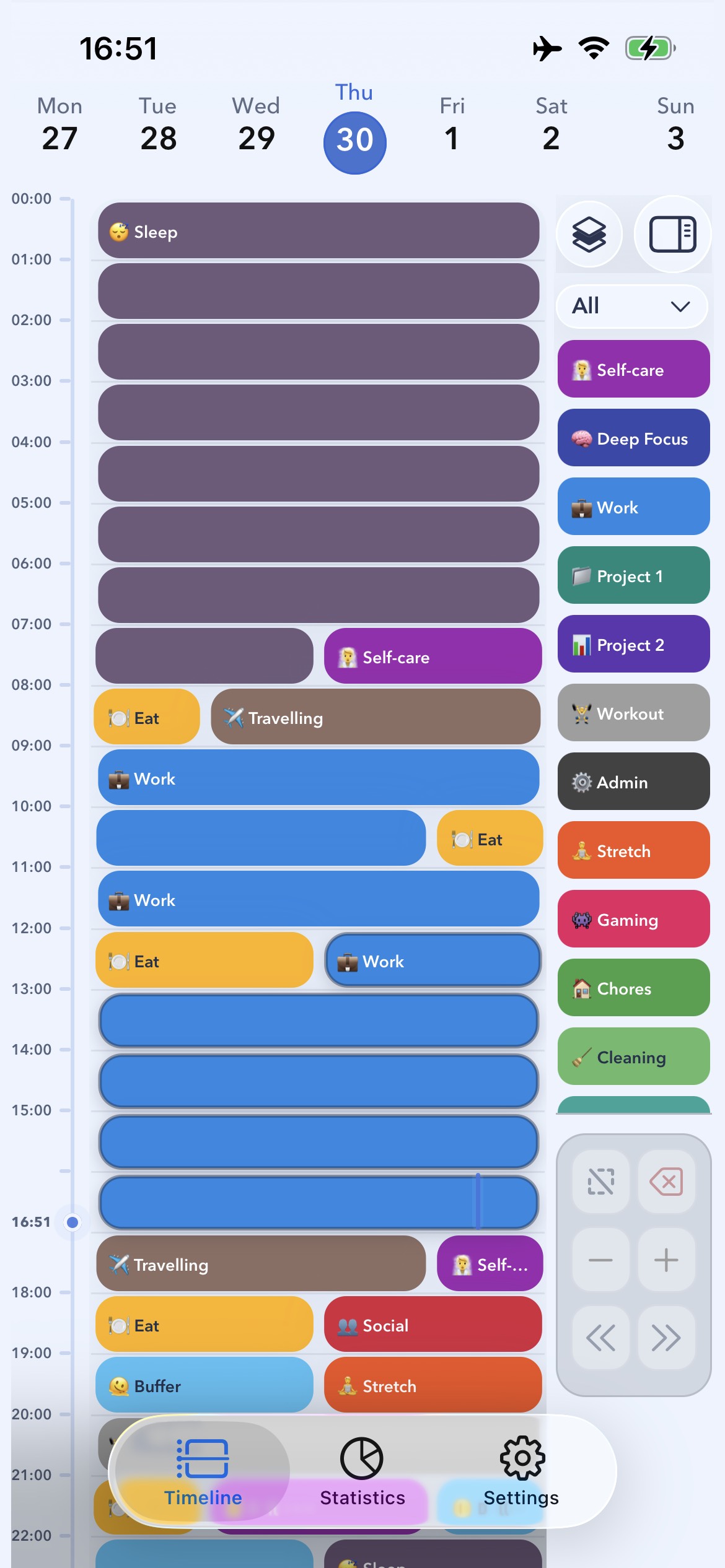
Categories & routines
Organise blocks into custom categories with their own colours and emoji, and let recurring routines build repeat days for you.
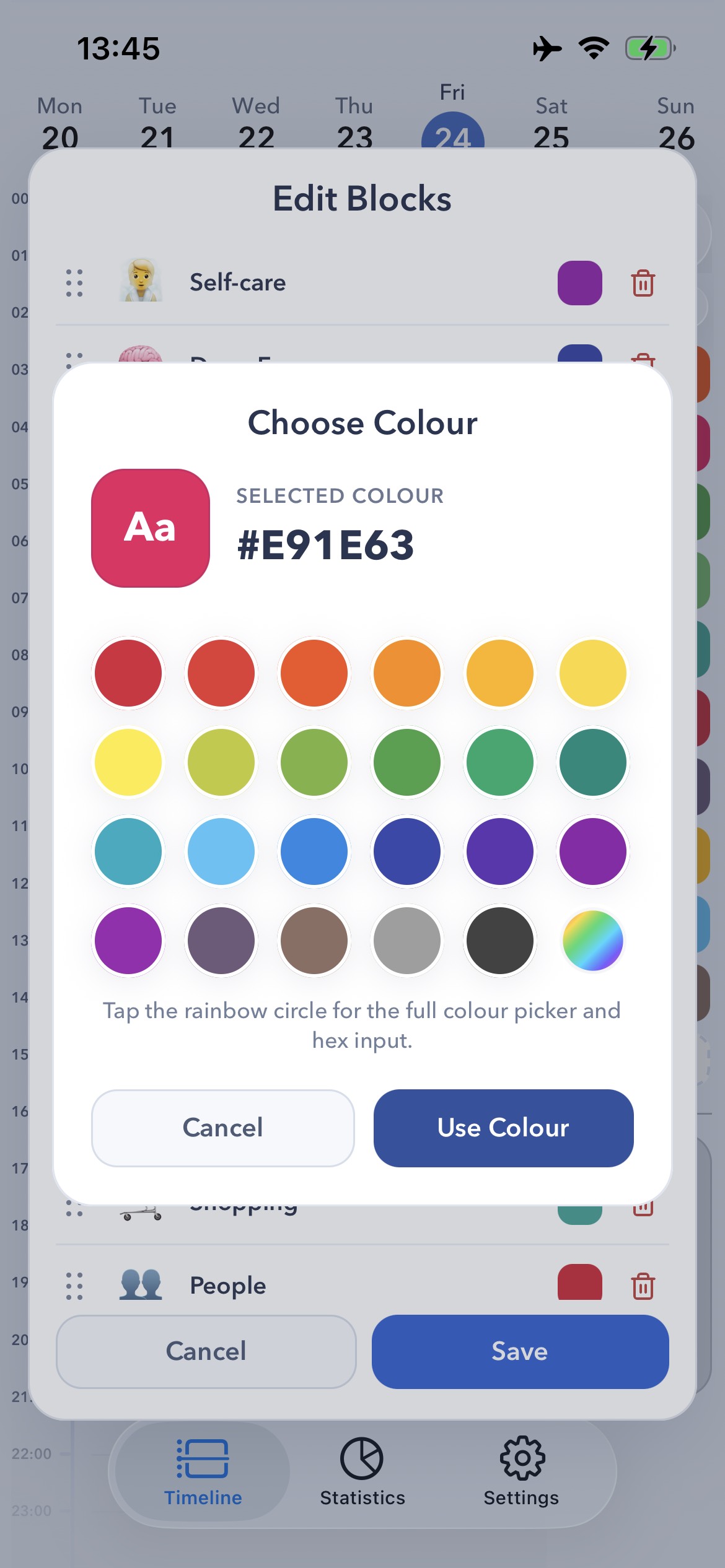
Make it yours
Pick from a full colour palette, build preset block sets for typical days, and tune planner preferences to fit how you work.
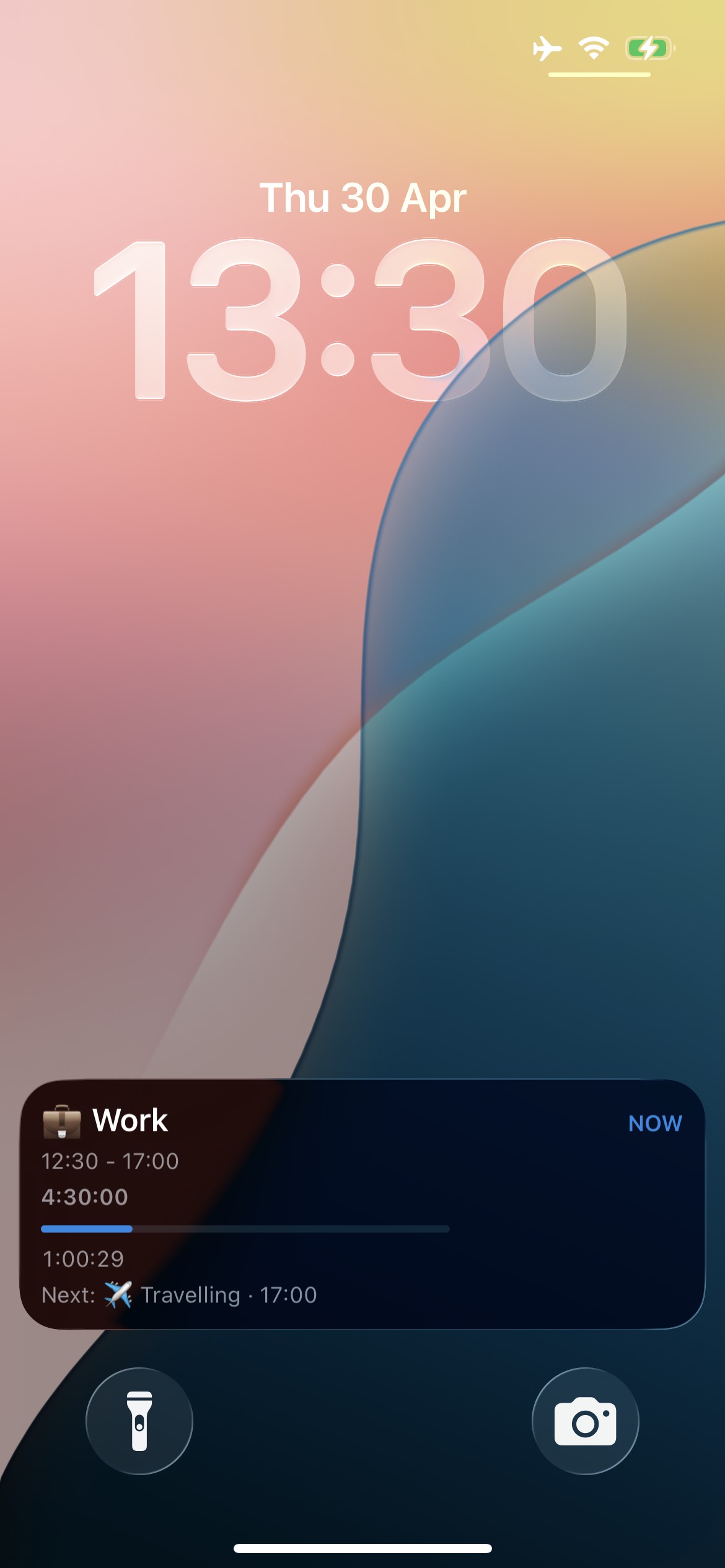
On the go
On supported iPhones, a Live Activity keeps your current block and what is next right on the Lock Screen — no need to open the app.
Insights
A clear stats dashboard breaks your time down by category across the day, week, month, and year — so balance is easy to see.
Plan your day one block at a time
Download 24 Block free from the App Store and start planning your day one block at a time.

Requires iOS 16.4 or later.
Yes. 24 Block is free to use, with no account and no paywall to get started.
It is available now on iOS through the App Store.
No. There is no sign-up — you can open the app and start planning straight away.
Yes. 24 Block is offline-first, so you can plan with or without a connection.
Your plan is stored on your device. If you enable iOS Live Activities, today’s block details and comment excerpts are sent to our update service to keep the Lock Screen current. See the privacy policy for details.
Yes. Recurring routines, notes, and preset block sets are all built in.
Private by default
24 Block stores your plan on your device and works offline. Optional iOS Live Activity updates send today’s block details to our update service. No accounts, no tracking, no ads.
Support
For support, bug reports, feature ideas, or general feedback, email the team directly.
Reporting an issue? Include your device, platform, and a short description of what happened.
Contact usHelpful links